pages.homepage.section_one.starspages.homepage.section_one.stars

2 GB eSIM Mobile Internet for Singapore 🇸🇬

Business meetings, conferences, or exploring the city - stay connected with reliable data.

Choose Your Data Plan

3GB 30 days
$10.00
Best choice
10GB 30 days
Sale -20% OFF
$17.60$22.00
50GB 30 days
$81.00
Show all data plans
Join thousands of satisfied travelers using WonderConnect eSIMs in Singapore 🇸🇬
pages.destination.pay_safelySecure payment methods
VisaMastercardAmerican ExpressPayPalGoogle PayApple Pay

What's Included in Every Singapore eSIM Data Plan

No matter which data plan size you choose, these details apply to all.
CoverageSingapore 🇸🇬

The eSIM works across borders in the countries listed below:

Singapore
Top up anytime

Need more data? Buy a top-up anytime. If your current data plan is still active, your top-up will be queued and automatically activated when your plan runs out or expires. If your plan has already expired or you’ve used up all your data, the top-up will activate immediately after purchase. No need to buy or install a new eSIM for the same destination—just top up and stay connected.

After your eSIM expires, you have 160 days to top it up.

Available top-ups:
1GB - valid for 7 days, $4.50
2GB - valid for 15 days, $7.00
3GB - valid for 30 days, $10.00
5GB - valid for 30 days, $15.50
10GB - valid for 30 days, $22.00
20GB - valid for 30 days, $34.00
50GB - valid for 30 days, $81.00

Network Providers

Your WonderConnect eSIM uses StarHub, SingTel, and SIMBA. StarHub and SingTel both offer 5G across Singapore, while SIMBA runs 4G. These networks cover virtually the entire country. Your phone will connect with the strongest signal automatically.
The Central Business District, Marina Bay, Orchard Road, and Sentosa Island all get strong signals. Residential areas like Tiong Bahru, Holland Village, and East Coast maintain solid connectivity as well.

The MRT (rapid transit system in Singapore) maintains signal through stations and most tunnel sections. Above-ground routes provide uninterrupted service. City buses keep you connected while traveling between neighborhoods.

Nature reserves like MacRitchie and Bukit Timah can have weaker coverage in dense forest areas. Gardens by the Bay, Singapore Zoo, and other popular attractions maintain strong signals. For visits covering urban areas and main tourist destinations, your connection remains reliable throughout your stay.

Supported Carriers & Internet speeds
StarHub 5G
SingTel 5G
SIMBA 4G
Data-only plan - keep your usual phone number

WonderConnect eSIMs provide mobile internet only. This means you won’t get a local phone number and can't make traditional phone calls or send SMS. However, you can stay connected using apps like Messenger, WhatsApp, and others to make and receive voice and video calls.

Use eSIM as a mobile hotspot

Share your data with other devices and people. Most modern smartphones support a hotspot feature. Simply enable it in your device’s settings, and your phone will function like a Wi-Fi router.

Eco-friendly solution reducing plastic waste

eSIM technology eliminates the need to swap traditional SIM cards. By choosing eSIMs for your trips, you help reduce plastic waste and energy required for manufacturing, packaging, and shipping.

How Does WonderConnect eSIM for Singapore Work?

Stylized globe with floating country flags, including the UK, USA, Thailand, UAE, Brazil, and Belgium—representing international travel or global connectivity.

Buy eSIM Online

Avoid roaming fees and airport SIM card hassle

WonderConnect eSIMs provide affordable mobile internet for travelers. Purchase your eSIM for Singapore now and travel with peace of mind knowing you'll be connected the moment you land.
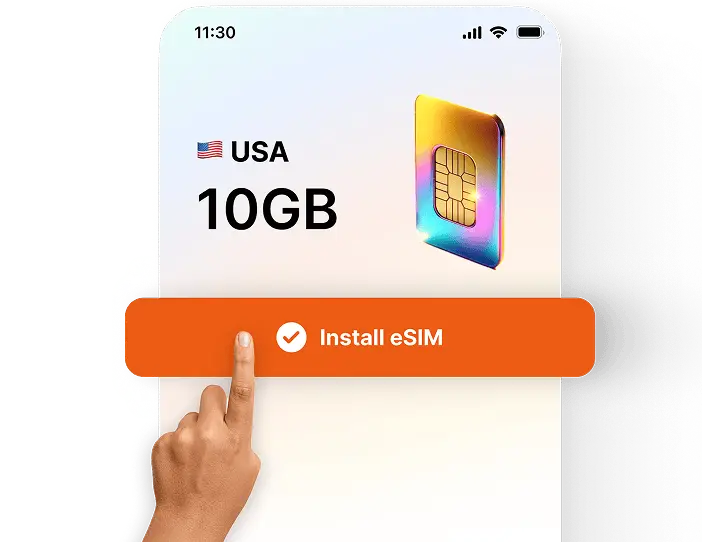
A hand tapping the “Install eSIM” button on a phone screen showing a 10GB USA data plan with a colorful digital SIM card icon.

Install in Minutes

Install your eSIM before the trip

No more searching for local mobile shops, swapping plastic SIM cards, or dealing with language barriers. With a step-by-step installation guide, you’ll easily set up your eSIM.
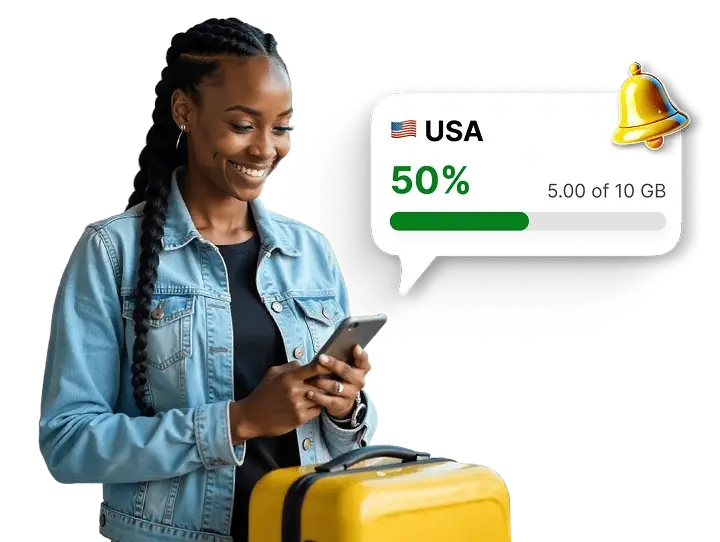
Traveler checking mobile data usage for the USA in an app, with a notification showing 50% of the 10 GB data package used.

Track Data Usage

Use WonderConnect app

With our user-friendly app, you can easily track your data usage, buy eSIM top-ups when needed, and access customer support on the go.

Using eSIM in Singapore

Quick Purchase Process

Pick your data package, create your account in two clicks and complete checkout. You'll get your eSIM instantly - via email and on your account. No waiting for delivery, no complicated forms. Select, pay, and receive. If you're looking for a last-minute data solution, this one is for you!
Sophie L. - Australia
"Bought 5GB for Singapore. Process was fast, eSIM arrived immediately in my inbox. No long registration forms, I like that."

Keep Your Number Active

Your regular SIM stays in the phone and allows you to answer calls and texts if you want. Your home number can stay active while you use eSIM for mobile data. You can control both lines in your phone settings.
James T. - UK
"Flew to Singapore for a conference. My UK number stayed on for work calls while eSIM handled data. Could join video calls from the hotel and navigate between meeting venues without any hassle."

Your Apps Work Seamlessly

All your apps work with the eSIM. Google Maps, WhatsApp, Instagram, email. Everything runs normally just like on WiFi. Worth downloading: SimplyGo handles MRT payments, Grab works for taxis and food, Chope books restaurants instantly.

Social Icons
City-Wide Network
Singapore's mobile infrastructure covers the entire city-state. Fast 5G in most areas, reliable 4G everywhere else.
Zero Waste Option
Traditional SIM cards mean plastic waste. Your eSIM is fully digital. Nothing to throw in the bin after your trip.
More Data When You Need It
You can buy a top-up in the app or on the website. Extra data activates on your existing eSIM. No new setup needed.

Get the WonderConnect App Before You Visit Singapore

App StorePlay Store
StarsEllipse
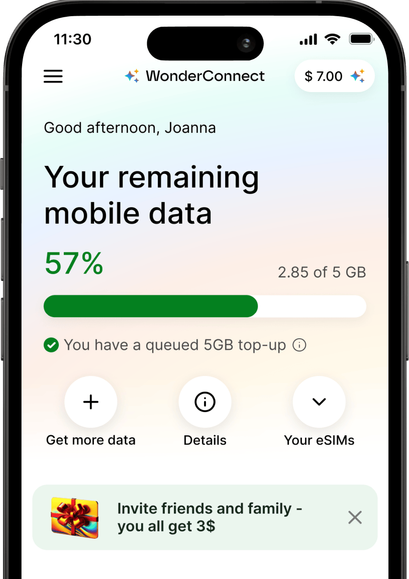
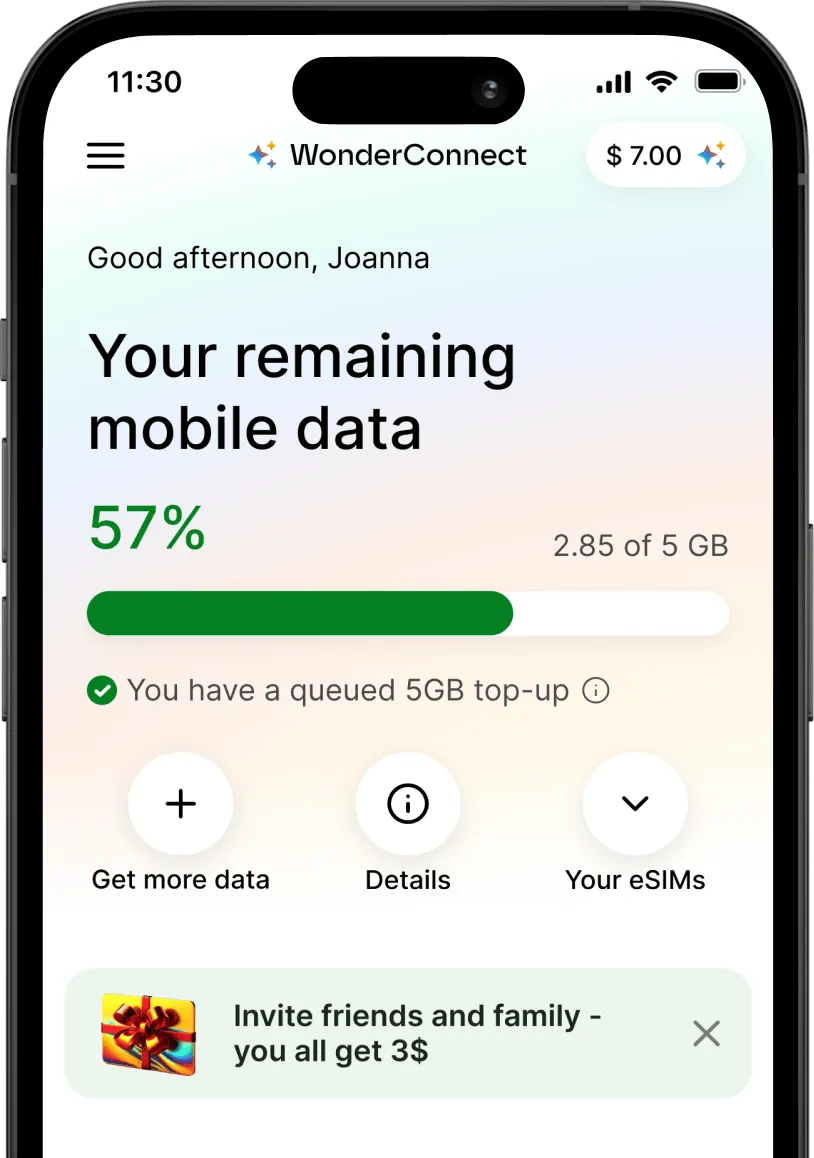
Smartphone screen showing the WonderConnect app with mobile data usage at 57%. A 5GB top-up is queued, and options like ‘Get more data’ and ‘Your eSIMs’ are visible.

FAQ About Singapore eSIM

wonders

Does the eSIM work on Sentosa Island?

Yes. Sentosa has full coverage from all three networks. Your eSIM works at Universal Studios, the beaches, hotels, everywhere on the island.
You can use Google Maps to get around, book activities online, or post photos on social media. Signal quality matches central Singapore. No problems when you cross the bridge to Sentosa.

wonders

How much data should I buy for a short Singapore trip?

Three to five days - travelers usually buy 5GB. That covers maps, social media, WhatsApp, and uploading photos.

For business travelers who need video calls or use a hotspot, we recommend 10GB or 20GB data plans, depending on the specific work requirements. If you're uploading or downloading big files and have several HQ video calls, you might need to top up your eSIM. All it takes is selecting the top-up and completing the purchase. We'll activate extra data without any extra setup on your end.

wonders

Will I get internet right after landing in Singapore?

If you installed your eSIM before the trip, you'll get internet as soon as you turn it on. When the plane lands, go to settings and enable the eSIM. Select it as your mobile data line and turn on data roaming. Connection starts within a few minutes, sometimes in seconds.
This means you can check directions, book a Grab, or message your hotel while waiting for luggage. Changi Airport has strong coverage in all terminals.

wonders

Will my Singapore eSIM work if I cross into Malaysia?

No. Your Singapore eSIM only works within Singapore's borders. If you take a day trip to Malaysia, you'll lose connection once you cross the border.

For trips covering both countries, consider getting a regional Asia eSIM instead. This eSIM works across multiple countries, including Singapore, Malaysia, Thailand, and others. You install it once and stay connected everywhere you travel in the region.

If you already bought a Singapore-only eSIM and decide to visit Malaysia, you can purchase a separate Malaysia eSIM with a small data plan. Many devices let you install several eSIMs, but usually only one can be active. In your settings, turn off your Singapore eSIM and turn on the Malaysia eSIM when you cross the border. Then follow the usual activation steps: select the eSIM for mobile data and enable data roaming. Your phone will connect to a Malaysian network.

wonders

Can I buy an eSIM while I'm already in Singapore?

Yes! You can purchase your travel eSIM even after arriving at your destination. The only difference from buying it before your trip is that we'll guide you to activate it immediately, allowing you to connect to a local network right away.

With travel eSIM you decide when to buy it - either before the travels, on the go using WonderConnect app, or after you arrive at your destination.

wonders

When does my eSIM plan start?

Your eSIM plan starts when you first connect to mobile data at your destination.
You can install the eSIM anytime - even weeks before your trip. Installation does not start the validity period (unless you bought an eSIM for your home country; or a regional package that includes coverage for your home country. Example: Europe → Germany).

The countdown begins only when your eSIM connects to a mobile network at your destination. For this to happen, your eSIM must be turned on, selected as your mobile data line, and have data roaming enabled.

wonders

Can I use eSIM on my phone?

To use an eSIM, your device needs to be eSIM-compatible and carrier-unlocked. If you find your phone on our compatibility list, it most likely supports eSIM technology. In some cases, eSIM compatibility depends on where your phone model was manufactured. That's why we advise you to check our list before you buy one of our Singapore eSIM plans.

Carrier-unlocked means your home carrier (your mobile service provider) isn't restricting your phone from connecting to other networks. While carrier locks are becoming less common, if you're unsure, it's best to contact your provider. Just ask if they allow the use of digital SIM cards/eSIMs. If they do, you're free to avoid high roaming costs and enjoy affordable eSIM mobile data!

wonders

How do I set up eSIM for Singapore?

Setting up your eSIM requires 2 steps: installation and mobile data activation.

Step 1: Install your eSIM

Your eSIM for Singapore is ready to install immediately after purchase. You can install it anytime - even weeks before your trip. Installation does not start the validity period.

To install, choose one of these methods:
• Scan the QR code we sent you right after purchase
• Use the WonderConnect app with step-by-step installation guide and illustrations

Step 2: Activate mobile data (at your destination)

Once you arrive, complete these 4 steps:
1. In your phone settings, turn on your eSIM
2. Select the Singapore eSIM as your mobile data line
3. Enable data roaming for your eSIM (required to connect to foreign networks)
4. Turn off WiFi and test the connection by opening any website

Connection usually happens within seconds, but can take up to 10 minutes for your phone to catch the foreign network signal.
If you are using the WonderConnect app, activation instructions are accessible from the home screen.

wonders

Can I keep my SIM card and Singapore eSIM at the same time?

Yes! Most modern smartphones support dual SIM, which means you can use both your physical SIM card and the WonderConnect eSIM simultaneously.

You install the eSIM and it works alongside your regular SIM card. You don't have to remove it from your phone.

Set the eSIM as your mobile data line. For your regular SIM card, you have two options:

• Turn it off completely to avoid roaming charges for incoming calls
• Keep it on for receiving calls and text messages

Don't worry - turning off your SIM card doesn't delete your number or contacts. You can turn it back on anytime directly from your phone settings

wonders

How can I top up my eSIM?

You can top up your Singapore eSIM using the WonderConnect app or through your web account.

Log in to your account, if you have several eSIMs, select the one you want to top up and choose a top-up package. Finalize payment and that's it.

Your top-up activates automatically when your current plan ends or when you run out of data. You can purchase it anytime - even before you need it. After your eSIM expires or runs out of data, you have 160 days to top up to regain the internet connection on the same eSIM.

wonders

Can I use my Singapore eSIM in other countries?

The eSIM for Singapore works exclusively as a single-country plan. This means it only functions within the country's borders since it's designed to connect to local networks.

Planning to visit multiple countries? Consider our regional eSIMs for seamless connectivity across borders. This way, you can stay connected throughout your journey without needing to buy and switch numerous eSIMs. For broader coverage, check out our best eSIM plans for different regions.

wonders

How can I go back to using my regular SIM card for internet connection?

You can easily return to your original mobile data settings at any time. That's why eSIMs are a safe and convenient solution for travelers! After your trip, go to the mobile data/network settings and choose your main carrier as the mobile data provider.

wonders

How much does an eSIM cost for Singapore?

eSIM prices for Singapore start at $4.50.

To see all available data packages and prices, scroll to the top of the page.