Get -10% With CodeXMAS2025Copy code119h 41m
pages.homepage.section_one.starspages.homepage.section_one.stars

1 GB South Africa eSIM 🇿🇦

Stay online during your safari adventure. Reliable coverage in cities, national parks, and along the Garden Route.

Choose Your Data Plan

1GB 7 days
$6.00
3GB 30 days
$16.00
Best choice
10GB 30 days
Sale -15% OFF
$22.10$26.00
20GB 30 days
Sale -15% OFF
$29.75$35.00
Show all data plans
Join thousands of satisfied travelers using WonderConnect eSIMs in South Africa 🇿🇦
pages.destination.pay_safelySecure payment methods
VisaMastercardAmerican ExpressPayPalGoogle PayApple Pay

What's Included in Every South Africa eSIM Data Plan

No matter which data plan size you choose, these details apply to all.
CoverageSouth Africa 🇿🇦

The eSIM works across borders in the countries listed below:

South Africa
Top up anytime

Need more data? Buy a top-up anytime. If your current data plan is still active, your top-up will be queued and automatically activated when your plan runs out or expires. If your plan has already expired or you’ve used up all your data, the top-up will activate immediately after purchase. No need to buy or install a new eSIM for the same destination—just top up and stay connected.

After your eSIM expires, you have 160 days to top it up.

Available top-ups:
1GB - valid for 7 days, $6.00
2GB - valid for 15 days, $11.50
3GB - valid for 30 days, $16.00
5GB - valid for 30 days, $22.00
10GB - valid for 30 days, $26.00
20GB - valid for 30 days, $35.00

Network Providers

WonderConnect eSIM in South Africa connects to three major networks: MTN (with 5G capability), Vodacom, and Telkom (both offering 4G).

MTN provides 5G coverage in Johannesburg, Pretoria, Cape Town, and Durban. This network delivers fast speeds in major urban centers and extends along highways connecting these cities. Vodacom offers strong 4G throughout Cape Town, the Garden Route, and KwaZulu-Natal. Telkom focuses on dense coverage in Gauteng province and coastal cities.

Your device automatically selects the strongest available network. In Kruger National Park, you'll find 3G and 4G connectivity in rest camps and main roads. The same applies to other popular reserves like Addo Elephant Park. Signal weakens in remote wilderness areas and some parts of the Northern Cape, which is typical for any South African network.

Garden Route travelers maintain steady connection between Cape Town and Port Elizabeth. Coverage along the N2 highway remains consistent for navigation and communication throughout your road trip.

Supported Carriers & Internet speeds
MTN 5G
Telkom SA Ltd 4G
Vodacom 4G
Data-only plan - keep your usual phone number

WonderConnect eSIMs provide mobile internet only. This means you won’t get a local phone number and can't make traditional phone calls or send SMS. However, you can stay connected using apps like Messenger, WhatsApp, and others to make and receive voice and video calls.

Use eSIM as a mobile hotspot

Share your data with other devices and people. Most modern smartphones support a hotspot feature. Simply enable it in your device’s settings, and your phone will function like a Wi-Fi router.

Eco-friendly solution reducing plastic waste

eSIM technology eliminates the need to swap traditional SIM cards. By choosing eSIMs for your trips, you help reduce plastic waste and energy required for manufacturing, packaging, and shipping.

How Does WonderConnect eSIM for South Africa Work?

Stylized globe with floating country flags, including the UK, USA, Thailand, UAE, Brazil, and Belgium—representing international travel or global connectivity.

Buy eSIM Online

Avoid roaming fees and airport SIM card hassle

WonderConnect eSIMs provide affordable mobile internet for travelers. Purchase your eSIM for South Africa now and travel with peace of mind knowing you'll be connected the moment you land.

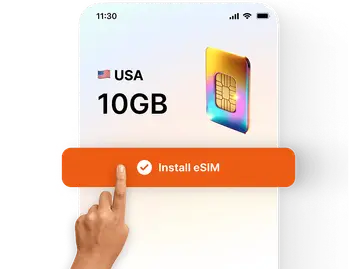
A hand tapping the “Install eSIM” button on a phone screen showing a 10GB USA data plan with a colorful digital SIM card icon.

Install in Minutes

Install your eSIM before the trip

No more searching for local mobile shops, swapping plastic SIM cards, or dealing with language barriers. With a step-by-step installation guide, you’ll easily set up your eSIM.

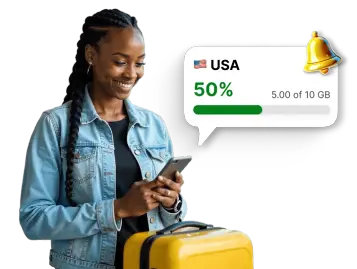
Traveler checking mobile data usage for the USA in an app, with a notification showing 50% of the 10 GB data package used.

Track Data Usage

Use WonderConnect app

With our user-friendly app, you can easily track your data usage, buy eSIM top-ups when needed, and access customer support on the go.

Best eSIM for Your South African Adventure

Pay Once, Travel Without Worry

All WonderConnect plans use prepaid data. You pay upfront and know the exact amount before checkout. No surprise charges appear after your trip ends. This eliminates the risk of expensive roaming bills that many international carriers charge for South African travel.
Thomas K. - Germany
"Spent two weeks traveling from Cape Town to Kruger. The eSIM worked perfectly in cities. Had GPS navigation throughout the Garden Route. Great value for the coverage."

Ready When You Land

Purchase your eSIM before departure and install it at home. After landing at OR Tambo or Cape Town International Airport, turn on the eSIM in your phone settings. Select it as your data source and enable roaming. Connection establishes within minutes. You can start using Google Maps and booking Uber rides right away.
"Patricia M. - USA
"Activated the eSIM the moment I landed in Johannesburg. Used it for two weeks across multiple provinces. Very good connection."

Local Apps at Your Fingertips

Your eSIM powers all the apps you need in South Africa. Use SnapScan and Zapper for quick QR code payments at restaurants and markets. Book safari drives through SANParks app. Navigate Johannesburg's Gautrain metro system with the official app. Order Uber rides in every major city. Stream music, upload photos, and video call home without searching for WiFi.
Social Icons
Strong Coverage in Cities and Parks
You get the same quality connection that South African residents use every day.
No Physical Card Needed
Your eSIM arrives digitally via email. No plastic card to insert, lose, or throw away after your trip.
Multiple Devices, One Data Plan
Traveling with a partner or need internet on your tablet? Turn on mobile hotspot and share your eSIM data with other devices.

Get the WonderConnect App Before You Visit South Africa

App StorePlay Store
StarsEllipse
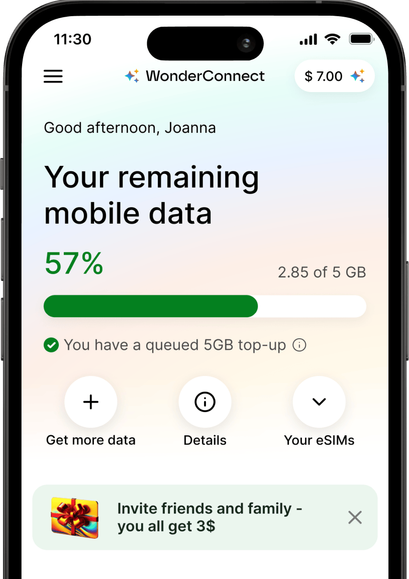
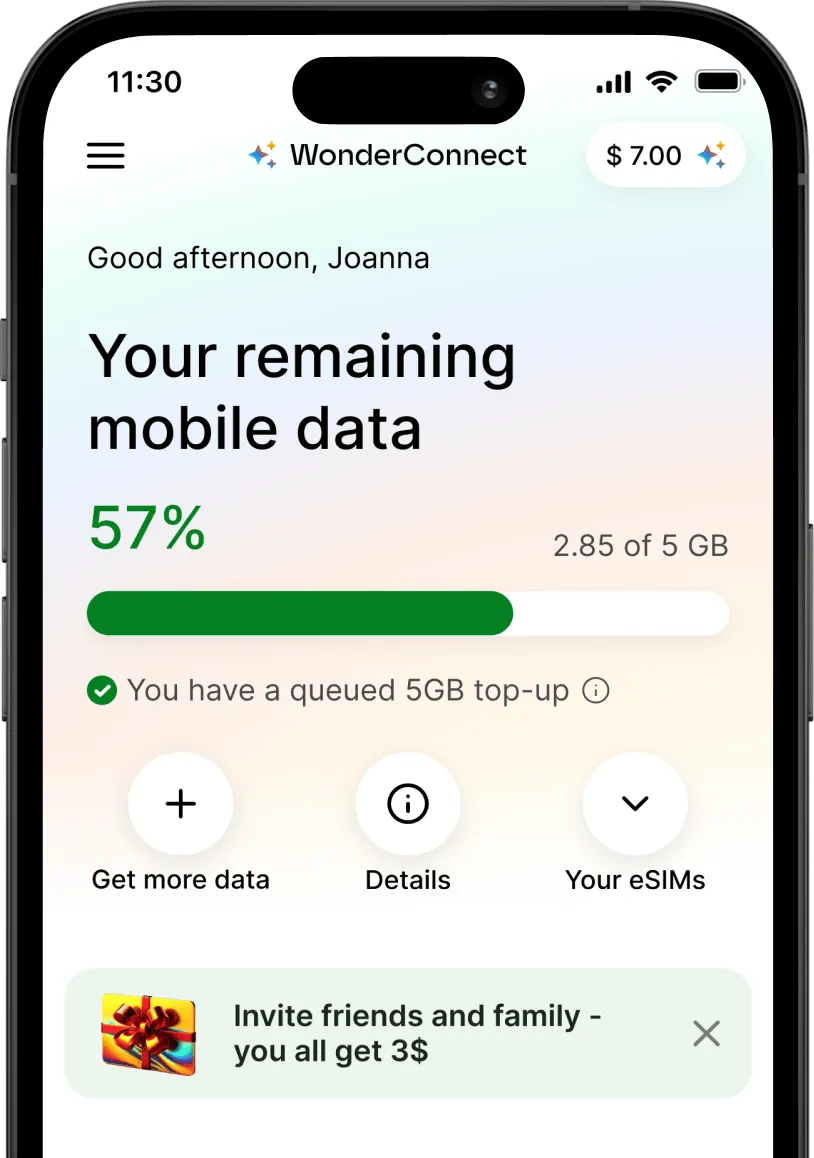
Smartphone screen showing the WonderConnect app with mobile data usage at 57%. A 5GB top-up is queued, and options like ‘Get more data’ and ‘Your eSIMs’ are visible.

FAQ About South Africa eSIM

wonders

How much data do I need for a South African safari?

For a typical 10-14 day trip combining safari and cities, most travelers use 5-15GB. Here's a breakdown:

• 3-5GB works for occasional Google Maps checks, WhatsApp messages, browsing. Good if you mainly use accommodations' internet.

• 5-10GB: daily navigation, social media posts, video calls home, streaming music, checking SANParks app for bookings. This covers most tourists visiting Kruger and Cape Town.

• 15-20GB handles: uploading HQ safari photos and videos daily, constant navigation without WiFi, watching videos from destinations on Google Maps.

wonders

Does the eSIM work in Kruger National Park?

Yes. The eSIM works in Kruger National Park, though coverage varies by location. Main roads through the park maintain decent signal for navigation.

Deep bush areas and remote sections of the park may have limited or no coverage. This applies to all mobile networks in South Africa, not just eSIMs. Plan accordingly by downloading offline maps before entering remote areas.

Most visitors find the coverage sufficient for staying connected during their safari while still enjoying the wilderness experience.

wonders

Is mobile coverage good along the Garden Route?

Yes. The Garden Route between Cape Town and Port Elizabeth has strong coverage from multiple networks. You'll maintain steady connection in towns like Knysna, Plettenberg Bay, and Mossel Bay. The N2 highway has reliable signal for navigation and communication throughout the drive. Scenic spots and beaches along the route typically maintain good connectivity for uploading photos and staying in touch.

wonders

Can I buy an eSIM while I'm already in South Africa?

Yes! You can purchase your travel eSIM even after arriving at your destination. The only difference from buying it before your trip is that we'll guide you to activate it immediately, allowing you to connect to a local network right away.

With travel eSIM you decide when to buy it - either before the travels, on the go using WonderConnect app, or after you arrive at your destination.

wonders

When does my eSIM plan start?

Your eSIM plan starts when you first connect to mobile data at your destination.
You can install the eSIM anytime - even weeks before your trip. Installation does not start the validity period (unless you bought an eSIM for your home country; or a regional package that includes coverage for your home country. Example: Europe → Germany).

The countdown begins only when your eSIM connects to a mobile network at your destination. For this to happen, your eSIM must be turned on, selected as your mobile data line, and have data roaming enabled.

wonders

Can I use eSIM on my phone?

To use an eSIM, your device needs to be eSIM-compatible and carrier-unlocked. If you find your phone on our compatibility list, it most likely supports eSIM technology. In some cases, eSIM compatibility depends on where your phone model was manufactured. That's why we advise you to check our list before you buy one of our South Africa eSIM plans.

Carrier-unlocked means your home carrier (your mobile service provider) isn't restricting your phone from connecting to other networks. While carrier locks are becoming less common, if you're unsure, it's best to contact your provider. Just ask if they allow the use of digital SIM cards/eSIMs. If they do, you're free to avoid high roaming costs and enjoy affordable eSIM mobile data!

wonders

How do I set up eSIM for South Africa?

Setting up your eSIM requires 2 steps: installation and mobile data activation.

Step 1: Install your eSIM

Your eSIM for South Africa is ready to install immediately after purchase. You can install it anytime - even weeks before your trip. Installation does not start the validity period.

To install, choose one of these methods:
• Scan the QR code we sent you right after purchase
• Use the WonderConnect app with step-by-step installation guide and illustrations

Step 2: Activate mobile data (at your destination)

Once you arrive, complete these 4 steps:
1. In your phone settings, turn on your eSIM
2. Select the South Africa eSIM as your mobile data line
3. Enable data roaming for your eSIM (required to connect to foreign networks)
4. Turn off WiFi and test the connection by opening any website

Connection usually happens within seconds, but can take up to 10 minutes for your phone to catch the foreign network signal.
If you are using the WonderConnect app, activation instructions are accessible from the home screen.

wonders

Can I keep my SIM card and South Africa eSIM at the same time?

Yes! Most modern smartphones support dual SIM, which means you can use both your physical SIM card and the WonderConnect eSIM simultaneously.

You install the eSIM and it works alongside your regular SIM card. You don't have to remove it from your phone.

Set the eSIM as your mobile data line. For your regular SIM card, you have two options:

• Turn it off completely to avoid roaming charges for incoming calls
• Keep it on for receiving calls and text messages

Don't worry - turning off your SIM card doesn't delete your number or contacts. You can turn it back on anytime directly from your phone settings

wonders

How can I top up my eSIM?

You can top up your South Africa eSIM using the WonderConnect app or through your web account.

Log in to your account, if you have several eSIMs, select the one you want to top up and choose a top-up package. Finalize payment and that's it.

Your top-up activates automatically when your current plan ends or when you run out of data. You can purchase it anytime - even before you need it. After your eSIM expires or runs out of data, you have 160 days to top up to regain the internet connection on the same eSIM.

wonders

Can I use my South Africa eSIM in other countries?

The eSIM for South Africa works exclusively as a single-country plan. This means it only functions within the country's borders since it's designed to connect to local networks.

Planning to visit multiple countries? Consider our regional eSIMs for seamless connectivity across borders. This way, you can stay connected throughout your journey without needing to buy and switch numerous eSIMs. For broader coverage, check out our best eSIM plans for different regions.

wonders

How can I go back to using my regular SIM card for internet connection?

You can easily return to your original mobile data settings at any time. That's why eSIMs are a safe and convenient solution for travelers! After your trip, go to the mobile data/network settings and choose your main carrier as the mobile data provider.

wonders

How much does an eSIM cost for South Africa?

eSIM prices for South Africa start at $6.00.

To see all available data packages and prices, scroll to the top of the page.